Your workspace directly impacts your productivity, creativity, and well-being as a developer. Let's explore some incredible setups and the principles behind them.
The Minimalist Setup

Less is more. A single high-resolution monitor, a mechanical keyboard, and clean cable management. This setup reduces visual clutter and helps maintain focus on the code.
- Single 32" 4K monitor at eye level
- Standing desk with memory presets
- Wireless peripherals for clean aesthetics
- Under-desk cable tray
The Multi-Monitor Battlestation
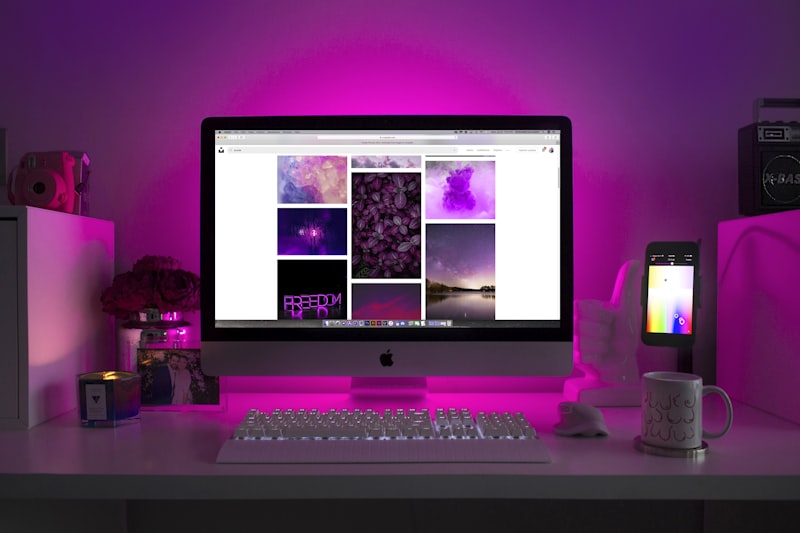
For developers juggling multiple contexts - code on one screen, browser on another, terminal on the third. Studies show multi-monitor setups can increase productivity by up to 42%.
The Cozy Home Office
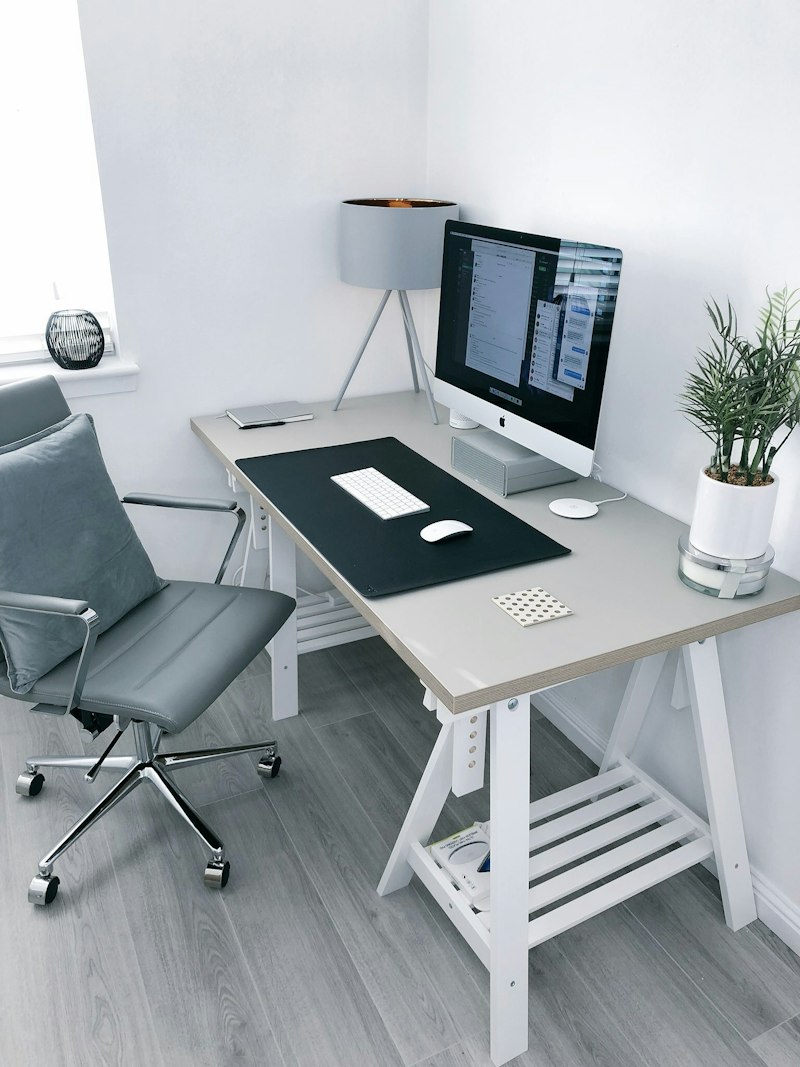
Working from home? Add plants, warm lighting, and personal touches. A comfortable environment leads to better code and fewer burnout episodes.
Essential Elements of a Great Dev Setup
| Element | Why It Matters |
|---|---|
| Monitor height | Top of screen at eye level prevents neck strain |
| Mechanical keyboard | Better tactile feedback, reduced typing fatigue |
| Ergonomic chair | Back support for 8+ hour sessions |
| Bias lighting | LED strips behind monitor reduce eye strain |
| Cable management | Clean workspace = clear mind |
Budget Breakdown
You don't need to spend a fortune. Here's a tiered approach:
- Budget ($500): Used monitor + basic ergonomic chair + mechanical keyboard
- Mid-range ($1500): 4K monitor + quality chair + premium peripherals
- Premium ($3000+): Ultrawide or dual monitors + Herman Miller chair + standing desk









No comments yet. Be the first!